
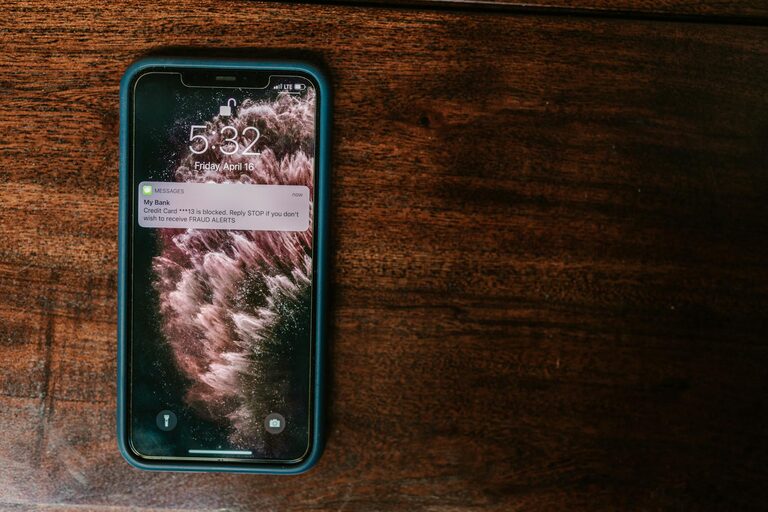
In today’s connected world, notifications from smartphones, apps, and email can be both helpful and overwhelming. While they keep us informed and responsive, constant alerts often disrupt concentration, increase stress, and blur the lines between work and personal life. Setting clear boundaries with notifications is an effective way to regain control, boost productivity, and protect your mental well-being.
In this post, we’ll explore practical tips to help you manage notifications thoughtfully and create a healthier digital environment.
Why Setting Boundaries with Notifications Matters
Notifications are designed to capture your attention. When unchecked, they can lead to:
– Frequent interruptions that break your focus
– Increased stress and screen fatigue
– Difficulty distinguishing work hours from personal time
– Poor sleep quality due to late-night alerts
By managing how and when you receive notifications, you take back control of your time and attention.
Assess Your Current Notification Settings
Before making changes, take a moment to review what types of notifications you receive and from which sources.
– List your top apps and services sending notifications
– Evaluate how often you get alerts from each
– Decide which notifications are truly essential
This self-assessment helps you identify unnecessary distractions and prioritize important updates.
Tips for Setting Boundaries with Notifications
1. Customize Notification Settings on Your Devices
Almost every device and app allows you to tailor notifications. Explore these settings to reduce noise:
– Turn off non-essential alerts for apps you rarely use
– Use “silent” or “badge-only” notifications for less critical apps
– Disable sound or vibration for less urgent notifications
– Schedule “Do Not Disturb” periods when you want uninterrupted time
2. Use Focus or Do Not Disturb Modes Strategically
Modern smartphones and computers offer modes designed to minimize interruptions:
– Activate Focus modes during work, meetings, or deep thinking sessions
– Customize which people or apps can bypass these modes to receive urgent alerts
– Set automatic rules based on time, location, or activity for convenience
3. Batch Check Notifications Instead of Responding Immediately
Training yourself to check notifications in batches helps reduce the urge to respond immediately:
– Designate specific times during the day to review messages and alerts
– Resist the temptation to check alerts between these intervals
– Use summary notifications on some devices to receive a digest instead of instant alerts
4. Prioritize Notifications Using Categories or Channels
Some apps support categorizing notifications into channels or groups:
– Enable only high-priority channels for notifications
– Mute or minimize low-priority categories to reduce clutter
– Adjust the settings within each channel based on your preferences
5. Unsubscribe or Disable Email and Newsletter Notifications
Email often contributes significantly to notification overload:
– Unsubscribe from newsletters or promotional emails you no longer read
– Set up filters or rules to move less important emails to separate folders
– Use dedicated apps or services that summarize emails in a single digest
6. Communicate Your Boundaries to Others
If you want to reduce notifications related to work or family:
– Let colleagues and friends know your preferred communication times
– Set expectations about response times and availability
– Use status messages in chat apps to indicate when you are focusing or offline
7. Regularly Review and Adjust Your Settings
Digital habits and needs change over time, so make it a habit to:
– Review notification settings monthly or quarterly
– Reassess which notifications are still useful or necessary
– Adjust to new apps and services as you start using them
Benefits of Setting Notification Boundaries
Implementing these strategies offers several positive outcomes:
– Increased focus and productivity due to fewer distractions
– Greater sense of control over your time and digital environment
– Reduced stress and improved work-life balance
– Better sleep and relaxation when notifications are limited during rest periods
Final Thoughts
Setting boundaries with notifications isn’t about cutting out all alerts, but about making them work for you. By customizing settings, training your habits, and communicating with others, you’ll create a healthier relationship with technology that supports your well-being and goals.
Try these tips gradually, and observe how your daily experience improves. Your focus, peace of mind, and overall productivity will thank you!